Understanding Credits
Credits are BookClad's currency for AI-powered features. Every time you generate cover images, run an AI Fill, or use AI Edit, credits are deducted from your balance. This page explains exactly how that works.
What are credits?
Credits are consumed whenever BookClad calls an AI model on your behalf. The amount depends on which feature you're using and, for generation, which model tier you choose.
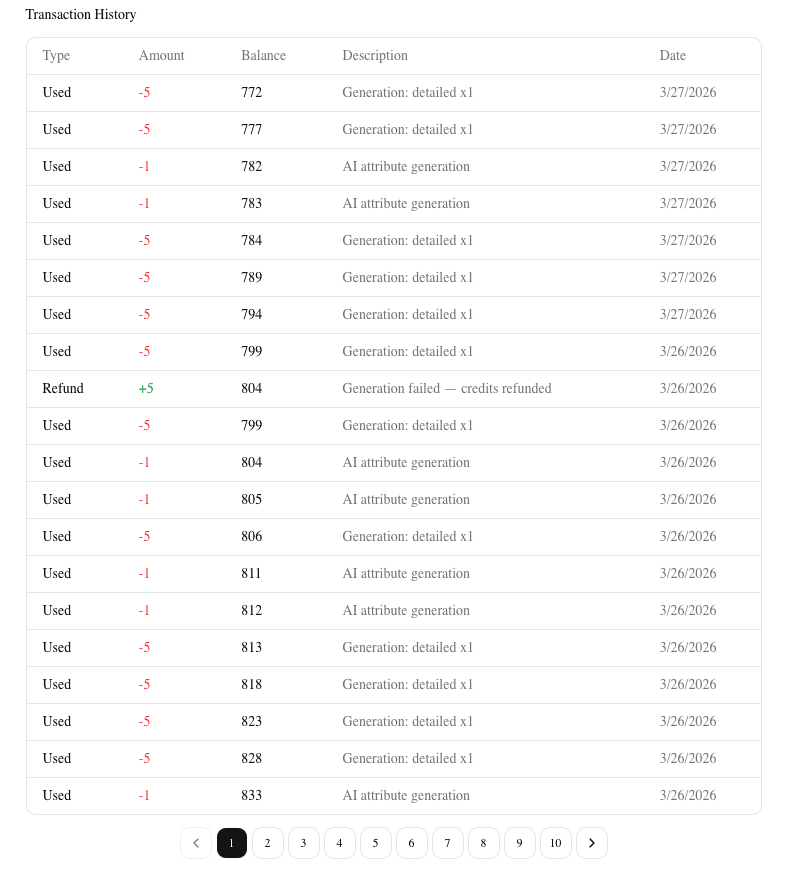
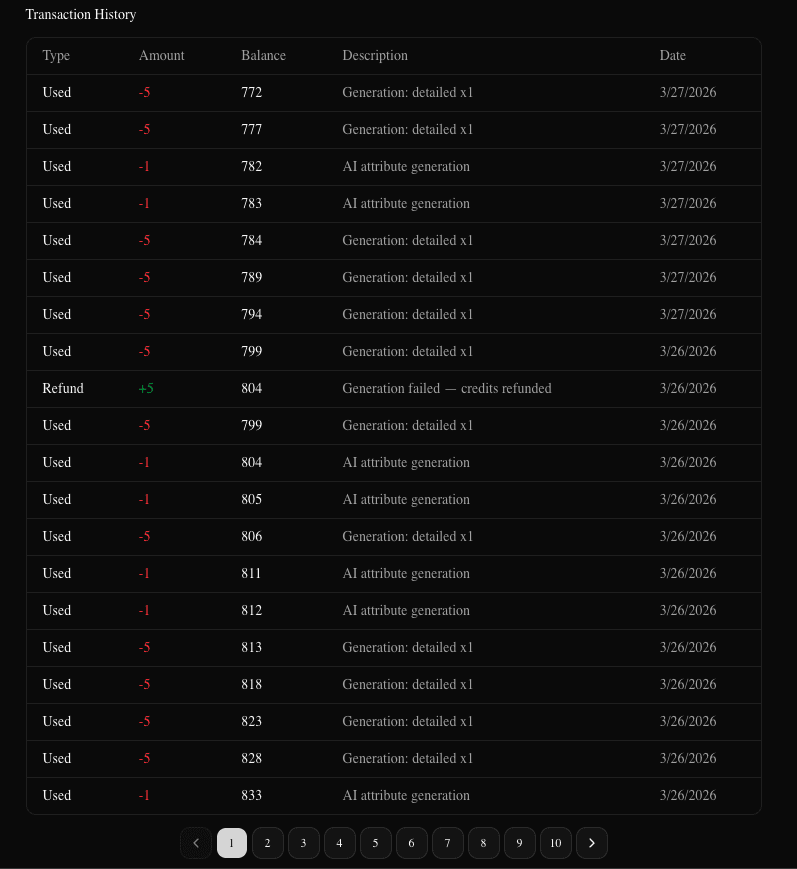
Your current balance is always visible in the navigation bar. A full transaction history is at Settings > Billing.


Generation costs
Each image generated costs a fixed number of credits based on the model tier you select:
| Tier | Credits per Image | Quality | Export-Ready | Plan Required |
|---|---|---|---|---|
| Quick | 3 | Good (prototyping) | No | Free |
| Detailed | 5 | High (KDP-ready) | Yes | Starter+ |
| Premium | 10 | Highest | Yes | Starter+ |
Credits are charged per image, not per generation batch. If you generate 4 images at the Detailed tier, that costs 20 credits.
Quick is intended for rapid concept exploration. It produces lower-resolution images that cannot be exported directly to KDP. Use it to iterate on ideas before committing to a final design.
Detailed is the recommended tier for finished covers. Output is 1600×2560 pixels at 300 DPI — exactly what Amazon KDP requires.
Premium uses a more capable model for the highest visual fidelity. Best for complex scenes, intricate details, or when the brief is very specific.
For a walkthrough of the generation flow, see Creating Your First Cover.
Other costs
| Feature | Cost | What it does |
|---|---|---|
| AI Fill | 1 credit | Suggests attribute combinations (genre, mood, art style, etc.) from a plain-language description |
| AI Edit | 1 credit | AI-powered editing of your attribute configuration in Settings |
Free credits
Every new account receives 15 credits on signup. No credit card required.
With 15 credits you can:
- 5 Quick-tier single-image generations
- 3 Quick-tier 4-image generations (12 credits, leaving 3 for one more single image)
- 3 Detailed-tier single-image generations (15 credits exactly)
Free credits are a one-time grant. They do not renew monthly.
Subscription plans
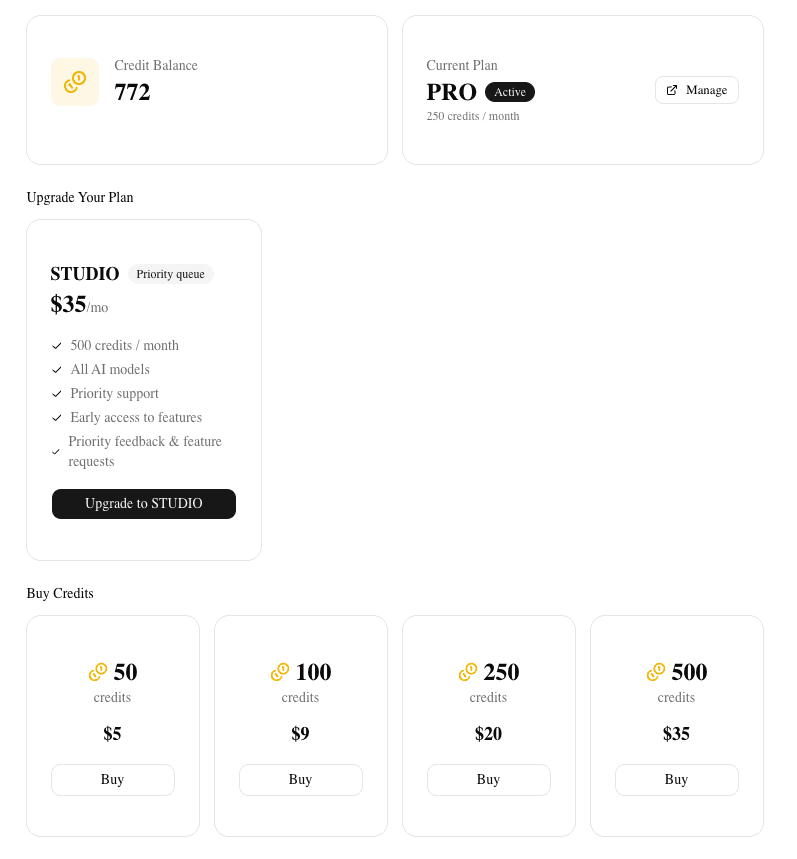
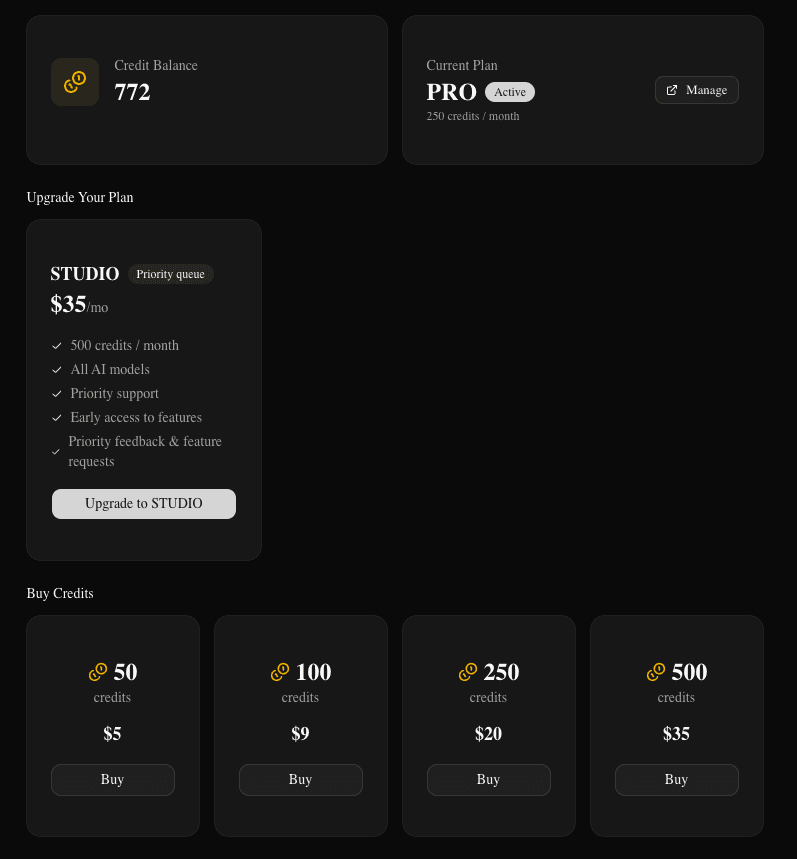
Paid plans include a monthly credit allowance that resets at the start of each billing period. Unused credits from the previous month do not roll over.
| Plan | Monthly Credits | Price |
|---|---|---|
| Free | 15 (one-time) | $0 |
| Starter | 100/month | varies |
| Pro | 250/month | varies |
| Studio | 500/month | varies |
Current pricing is shown on the pricing page and at Settings > Billing.
Credit packs
If you need more credits without upgrading your plan, you can purchase a one-time credit pack:
| Pack | Credits | Expires |
|---|---|---|
| Starter Pack | 50 credits | 12 months |
| Value Pack | 100 credits | 12 months |
| Pro Pack | 250 credits | 12 months |
| Studio Pack | 500 credits | 12 months |
Purchased credits are available on any plan and expire 12 months from the purchase date. Credit packs are available at Settings > Billing.
What happens when a generation fails?
Credits are automatically refunded if a generation fails. You will never be charged for images that weren't successfully delivered.
Partial success: If a batch of 8 images is requested and only 4 complete before an error, you are refunded for the 4 that didn't generate. The 4 that succeeded are kept and available in the editor.
Retrying: When a generation enters a retrying state (usually due to high demand), credits stay reserved. They are refunded only if the generation ultimately fails after all retry attempts — or if you cancel the job manually.
Refunds appear as credit transactions in Settings > Billing > Credit History with a note indicating which generation they relate to.
Checking your balance
Your credit balance is shown in the navigation bar at all times. For a full breakdown:
- Go to Settings > Billing
- The Billing tab shows your current balance, plan, and a paginated credit history
- Each transaction shows the amount, feature used, and running balance after the transaction
Priority queue
Generation jobs are processed in order, but Pro and Studio subscribers get priority — their jobs move ahead of Free and Starter jobs in the queue. This means shorter wait times during periods of high demand.
Priority applies automatically to all generations on a Pro or Studio plan. No extra steps required.